


By A Frustrated Flutter Dev Who’s Seen Too Much
There I was. 2 AM. Tea cup in one hand, stack trace in the other. The app crashes only when the moon is in the sky and the user taps “Cancel” three times. My juniors call it a “weird bug.” I call it: another Tuesday.
Over the years — working with Flutter, React Native, and occasionally cheating on Frontend with some Ruby & Node — I’ve come to accept a harsh truth:
Bugs are not found. They find you.
So grab your bug nets and let’s go hunting.
1. The “Works On My Machine” Bug
Species: Inconsistus Machina
Habitat: Junior dev laptops
Symptoms: Code compiles and runs flawlessly… until someone else touches it.

I once had a feature that worked beautifully on my machine. The widget tree was perfect. Animations smooth. Not a single yellow warning. Then QA opened it on a Samsung Galaxy from the Mesozoic era, and it looked like Picasso had built the UI during an earthquake.
Diagnosis: Missing font asset in pubspec.yaml.
Fix:
flutter:
  assets:
    - assets/fonts/
2. The “Null but Not Really” Bug
Species: Nullius Maximus
Habitat: Dart’s null-safety zone (aka war zone)

Flutter promised us null safety. But here’s the thing: null safety is only as safe as your logic.
String? name = fetchUserName();
print(name.length); // 💥 KABOOM 💥
Yes, I did use the ?, but forgot that length won’t forgive me.
Fix:
if (name != null) {
  print(name.length);
}
Or better:
print(name?.length ?? 0);
3. The “Backend Did It” Bug
Species: Apilottus Denialis
Habitat: REST APIs maintained by “someone else”
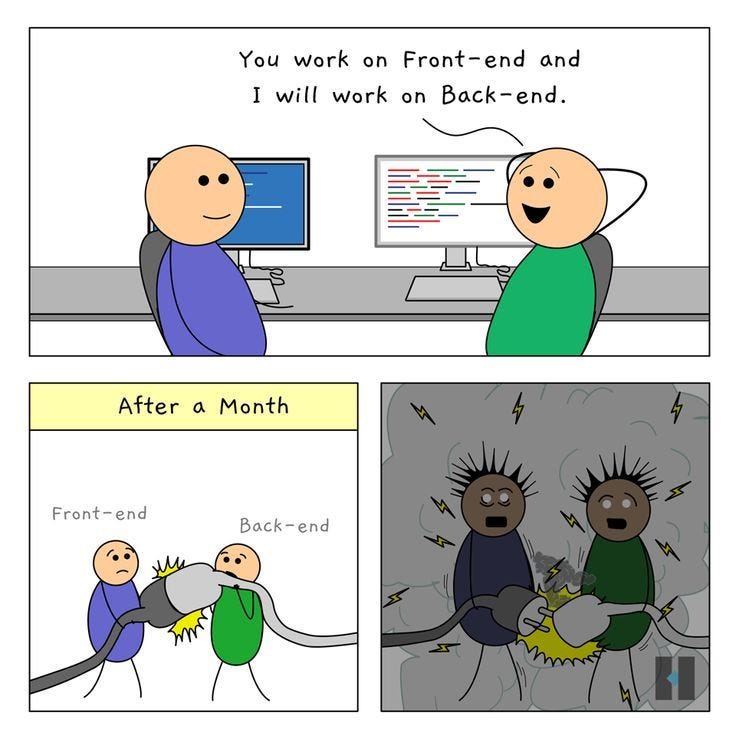
It always starts the same. The Flutter app sends a request. Backend responds with… something. And then Flutter throws a tantrum.
{
  "status": "success",
  "user_data": null
}
But user_data was never supposed to be null. Turns out the backend added a new field—without telling anyone.
Fix:
I screamed into the void, and then:
if (response['user_data'] != null) {
  // Proceed
} else {
  // Show error
}
Also, I learned to write defensive code, trust no API, and consider backend devs as lovable but slightly chaotic neutrals.
4. The “I’ll Just Use setState” Bug
Species: Statemanagementus Impatientis
Habitat: Early Flutter apps and StackOverflow copy-pastes

You add a button. You change some state. You hit setState() with the enthusiasm of a fresher on their first production push.
setState(() {
  userLoggedIn = true;
});
Suddenly, the widget rebuilds… and boom, your text field loses focus, a snack bar appears from nowhere, and the user gets logged out again because the Provider wasn’t notified.
Fix:
Learn state management properly. Pick a poison: Provider, Riverpod, BLoC, MobX, or just yoga and therapy.
5. The “Why is React Doing This” Bug
Species: Reactivus Regretus
Habitat: Wherever useEffect roams free

React dev: “Why is my API being called 42 times?”
useEffect(() => {
  fetchData();
}, [somethingMutable]);
It turns out somethingMutable changed every render. Because you declared it inside the component. Nice.
Fix:
Move the variable outside, or use a useRef if you’re feeling spicy.
Also, React rules are basically Hogwarts spells. Mispronounce one, and your UI turns into a frog.
6. The Phantom Bug
Species: Debuggus Ghostus
Habitat: Only in prod. Only for the CEO.
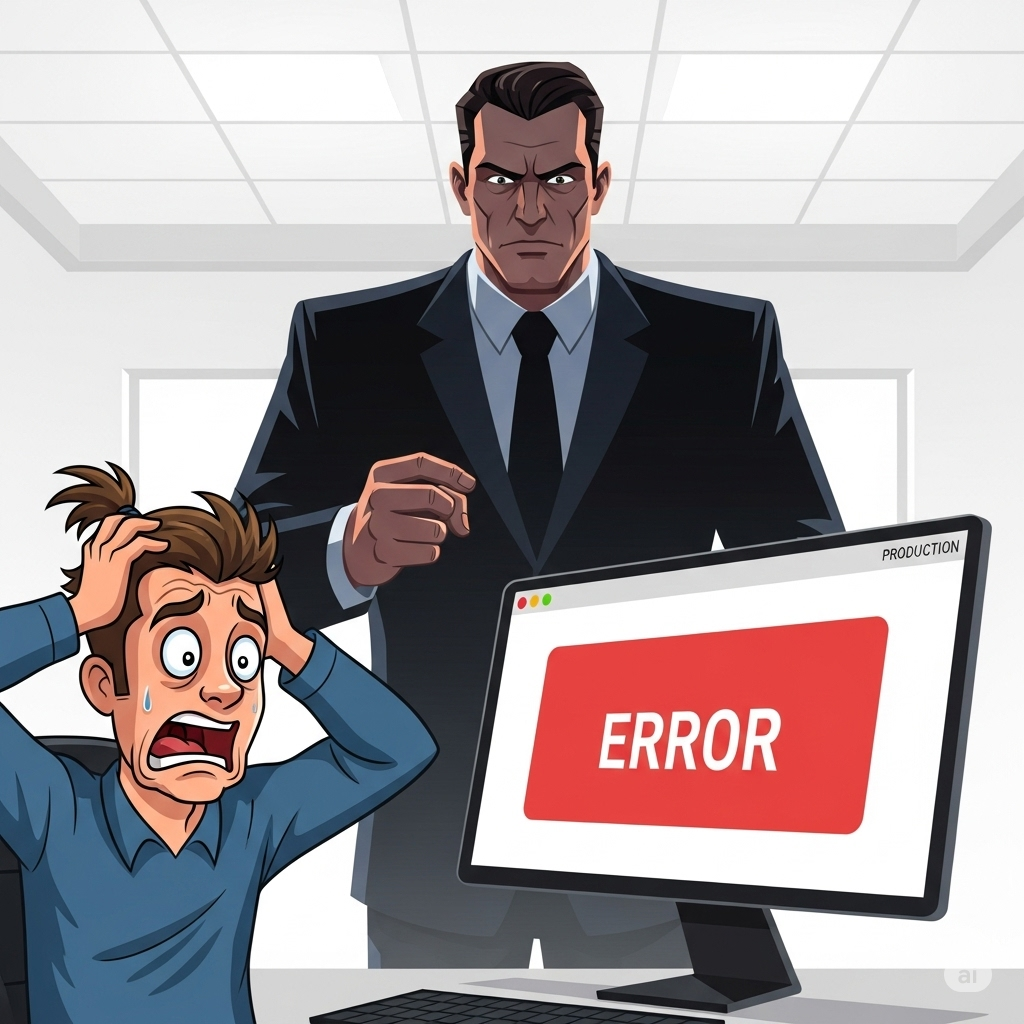
I’ll never forget this: a bug that only appeared on the CEO’s phone. No logs. No errors. Just vibes.
Eventually found the issue: screen size was so weird, it triggered a layout edge case.
Fix:
Always test on that one weird device. Or just give your CEO a fake build with hardcoded success.
Lessons from the Field

- If it works the first time, it’s probably broken in ways you don’t understand yet.
- Logs are your friends. Especially when they show up in red.
- Comments are time capsules you leave for Future You.
- No matter the tech stack, bugs are universal, like taxes and poorly named variables.
Happy coding!
Read my other blogs on Flutter
- Flutter’s Isolates: Do Heavy Lifting Without Freezing Your App (or Your Brain)
- Code Push for Flutter with Shorebird: A Hotfix Hero’s Tale
- How to create a simple blackboard in Flutter
 Josh Software
Thoughtful post, thanks