

Imagine having an awesome day as a programmer — coding new features, enjoying your favourite coffee , when suddenly, you got yourself into a situation in your app’s data management.
You delete an item, expecting it to vanish neatly, but instead, it disappears everywhere — even places it shouldn’t. Is it magic or something?
Nope, it’s a real Apollo GraphQL cache puzzle that cost me hours to debug and fix. If you are someone interested in solving tricky caching problems caused by nested data and ID collisions → Let’s get rolling …
The Curious Case of the Disappearing Nested Items
One day, while working on an order management system, I found something strange happening in our GraphQL client cache.
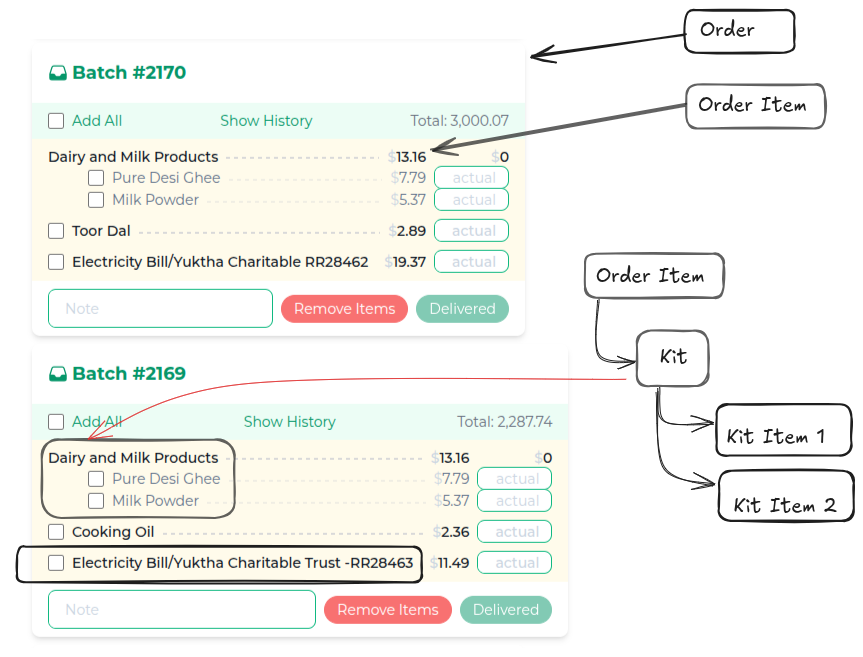
Let me walk you through how the order data is nested, using the annotated image you’ll see below.
Understanding the Nesting: Order Batches, Items, Kits, and Kit Items
We handle orders in batches (called BatchOrder). Each batch contains OrderItems—they represent individual entries in the batch.
But here’s where it gets interesting:
- An
OrderItemcan be a single product (like “Toor Dal” or “Cooking Oil”), - Or it can be a
Kit— a bundle that includes several products grouped together, each listed as aKitItem.
How Deep does the Nest Go?
In the example, both batches (Batch #2170 and Batch #2169) contain:
A Dairy and Milk Products kit, which itself contains:
- Kit Item 1: “Pure Desi Ghee”
- Kit Item 2: “Milk Powder”
Batch (Order)
 ├─ Order Item (Kit: Dairy and Milk Products)
 │      ├─ Kit Item: Pure Desi Ghee
 │      └─ Kit Item: Milk Powder
 ├─ Order Item (Product: Toor Dal)
 ├─ Order Item (Product: Electricity Bill)
But Here’s Where Things Get Tricky…
With this kind of nested data, everything looks neat on the surface. Each kit in each batch, lists its own items—Pure Desi Ghee and Milk Powder. And every product and kit item has its own ID and details.
What if the same kit (and kit items) appear in more than one batch, using the same IDs? Suddenly, those neat layers aren’t as separate as they seem.
Imagine two batches (orders) both including a “Dairy and Milk Products” kit. Each kit lists “Pure Desi Ghee” and “Milk Powder” as kit items — with the same kit item IDs in both places.

Here’s the catch:
Apollo Client organises everything by type and ID.
So if a kit item with some kit-id (“Pure Desi Ghee”) appears in both Batch 2170 and Batch 2169, Apollo sees these not as two separate items, but as one single entity in its cache.
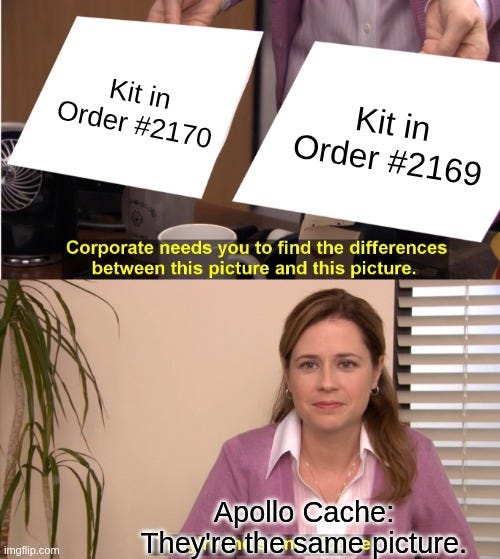
Each kit item actually references a separate product, with its own id and details. But across different batches and orders, kits and kit items with identical ids can appear — creating layers within layers.
Seems confusing right !!
Why Is This a Problem?
This means, Actions on one kit item might ripple everywhere:
- If you delete, update, or modify one kit item in a batch, Apollo thinks it applies to any other kit item with the same ID, in any batch.
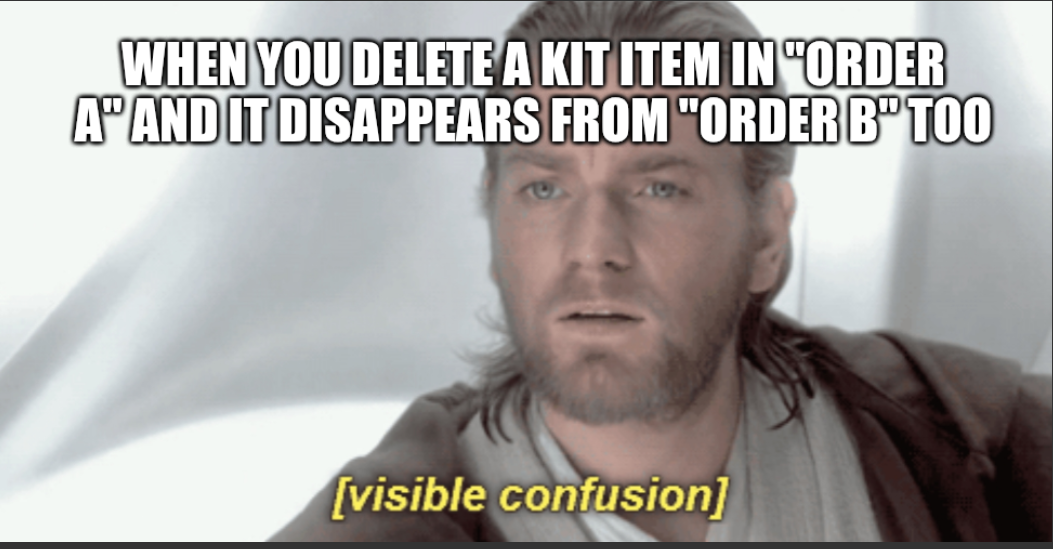
- You delete “Pure Desi Ghee” from Batch 2170, and poof — it’s gone from Batch 2169 too!
- Or sometimes, the cache removes it, but your UI still shows it — invisible ghosts haunting your interface.
The Underlying Issue
The fundamental problem here isn’t just about batches, kits, or products — it’s about how IDs are used to identify things in the cache.
- In deeply nested data structures, IDs alone aren’t enough to guarantee uniqueness when the same kits or items appear across multiple orders.
- Apollo needs more context to tell two seemingly identical kit items apart — like which batch or kit they belong to.
Visual Analogy
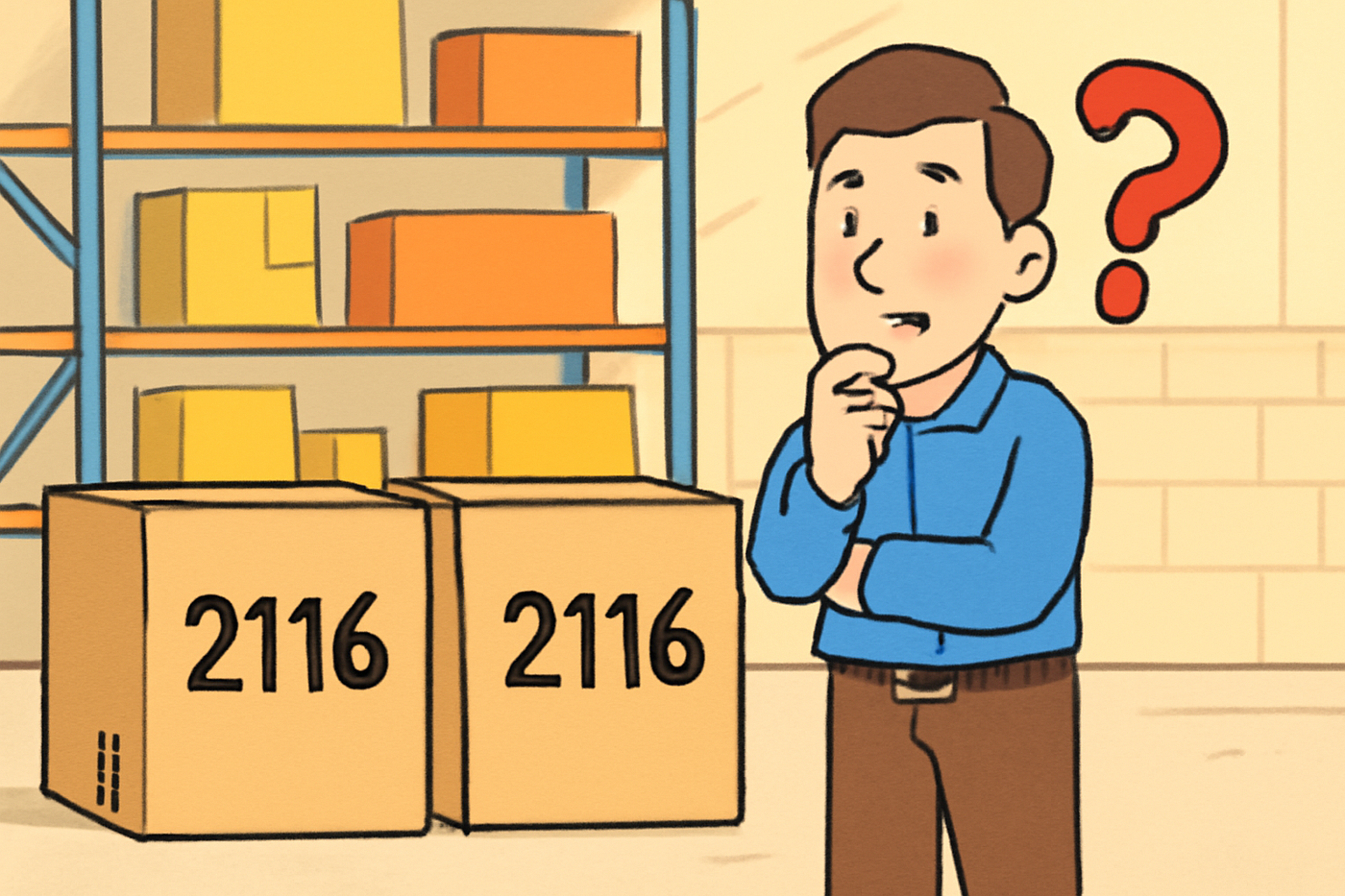
Think of Apollo’s cache like a massive warehouse, where boxes are labeled simply by their ID. If you have two boxes labelled “2116,” how does the warehouse manager know which one you mean?
They might grab the wrong box, or both at once!
How the Apollo Cache Problem Was Finally Solved !
When kit items in different orders ended up sharing IDs, Apollo’s cache couldn’t tell them apart — leading to some truly puzzling behaviors. This was resolved by giving the cache more context when labeling each item:
- Cache keys for
OrderItemweren’t just the item’sid, but also itsorderId. This distinction ensures that similar items from separate orders don’t overlap in the cache. - Kits received custom keys that combined the kit’s
idwith a sorted list of the IDs of their kit items. Even kits with matching IDs in different orders remain unique, especially when their kit items differ.
For reference, here’s what the cache configuration looked like:
typePolicies: {
  OrderItem: {
    keyFields: ['id', 'orderId'],
  },

  Kit: {
    keyFields: (object, { readField }) => {
      const kitItems = readField('kitItems', object) || [];
      const kitItemIds = kitItems.map(kitItem => readField('id', kitItem)).sort();

      return `Kit:${readField('id', object)}-items:[${kitItemIds.join(',')}]`;
    },
  },
}
By making sure each item’s cache label included enough information to be truly unique, those cache collisions — and all their side effects — were quickly cleared up.
- Order Item’s type name would be
OrderItem: {"id": 20325, "orderId" : 4081}. - And for the Kit, something like:
Kit:64-Items:[2141,2142].
PS: Visit this link for more info to configure your Client side cache.
Quick Checks & Tips for Handling Similar Cache Key Collisions
- Where can this happen?
Anywhere your data has nested or repeated entities across different parents — like kits reused in multiple orders, or items shared in different contexts. - Debugging tips:
— Inspect Apollo’s cache with Apollo DevTools extension.
— Check type policies and keyFields; are your cache keys unique enough to include parent or contextual IDs?
— Use reactive variables to track UI state tied to unique entity identifiers. - How to resolve?
— Use composite keys for nested entities (e.g., combine item id + parent id).
— Document your cache key design consistently and share it with your team. - Keep this mindset:
Caching in Apollo is powerful but depends on unique, context-aware keys. If things feel off, check your keys first.
A message from our Founder
Hey, Sunil here. I wanted to take a moment to thank you for reading until the end and for being a part of this community.
Did you know that our team run these publications as a volunteer effort to over 3.5m monthly readers? We don’t receive any funding, we do this to support the community. ❤️
If you want to show some love, please take a moment to follow me on LinkedIn, TikTok, Instagram. You can also subscribe to our weekly newsletter.
And before you go, don’t forget to clap and follow the writer️!
 Josh Software